
Enrolling Team Members in On-Demand Courses
This is a Step-by-Step guide on how a Plan Manager can enroll their Team Members into On-Demand Courses within Reforge Learning.
-
Navigate to our On-Demand Courses page.
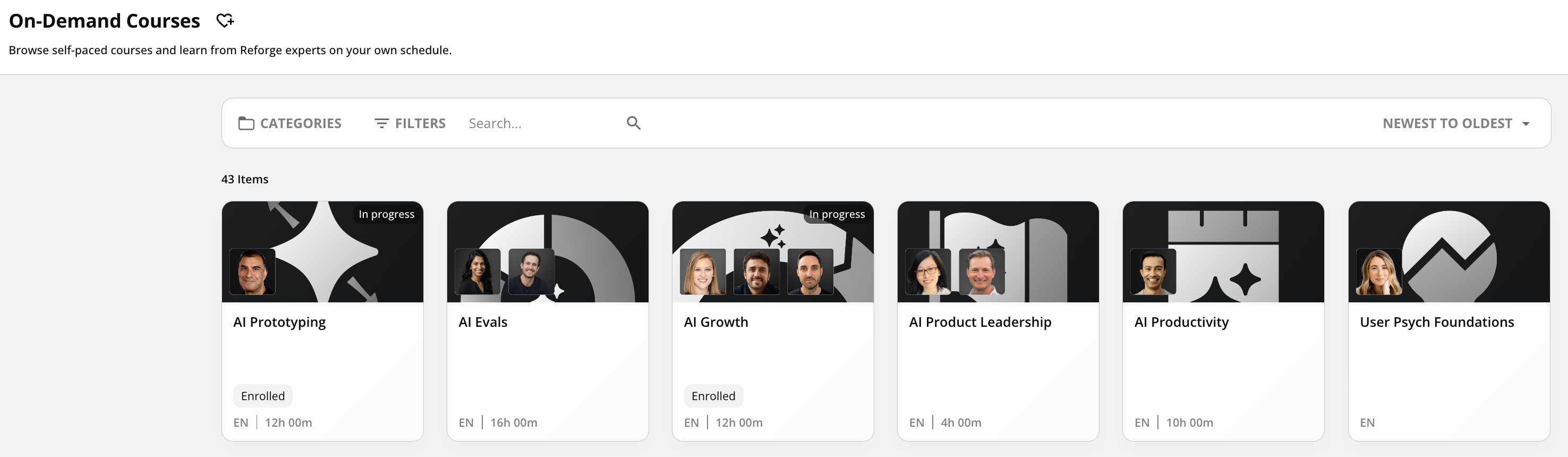
-
Select the course you would like to enroll your team member in.
- Once inside that course, select “Manage” on the right hand side of the screen
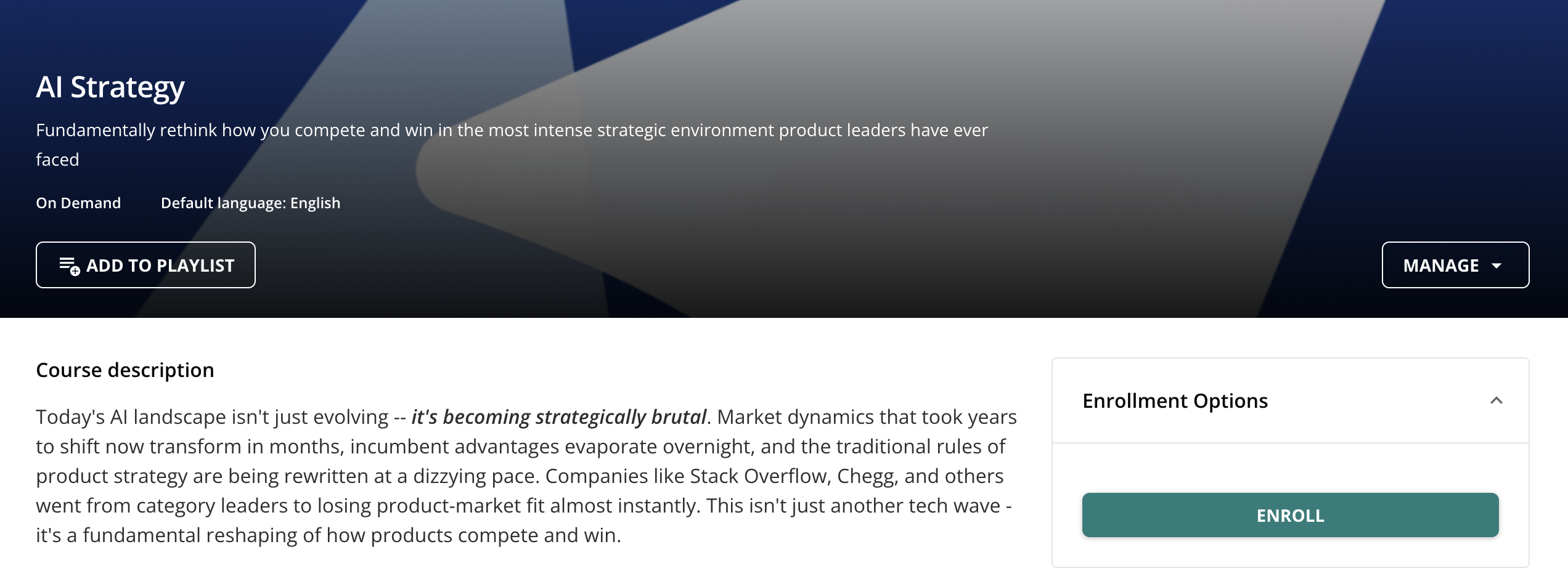
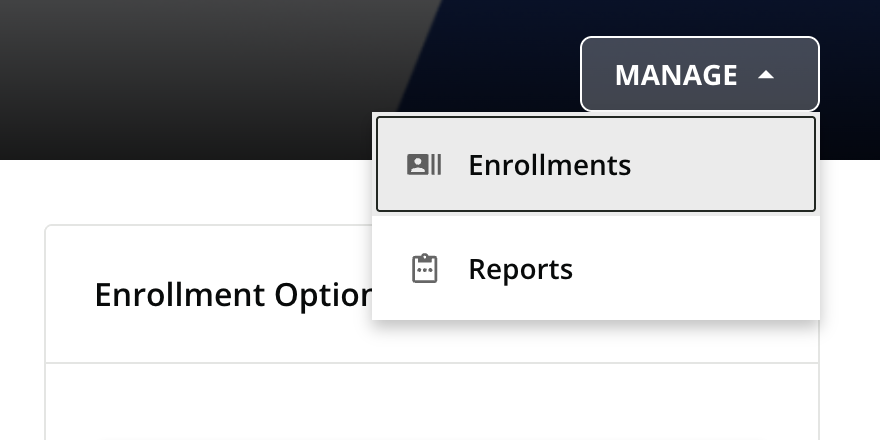
- Select "Enrollments"
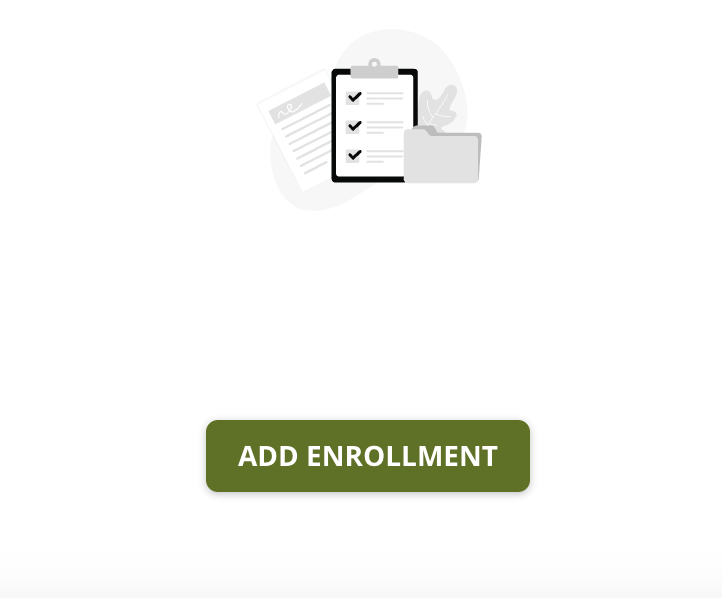
- Click “Add Enrollments”
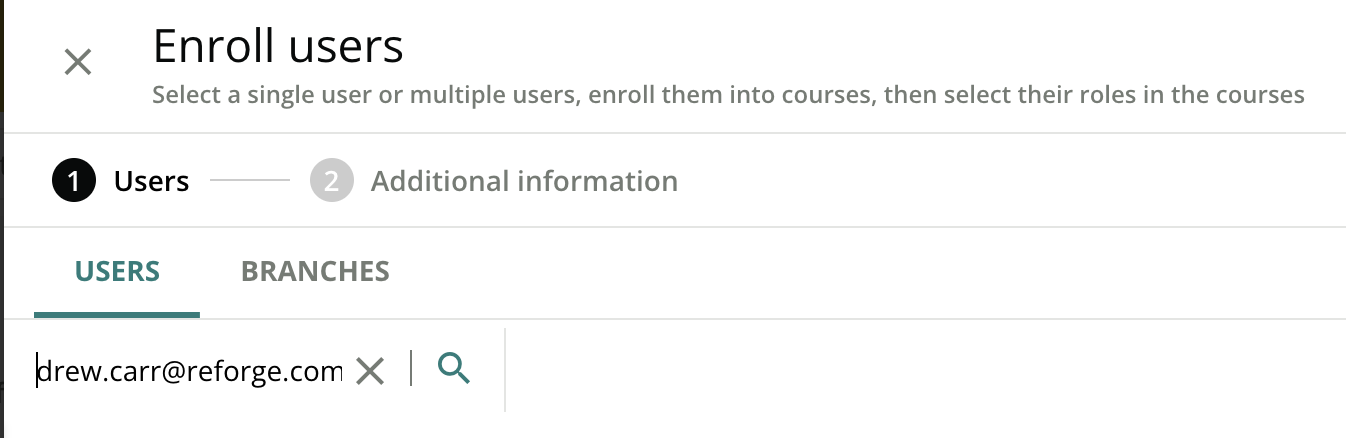
- Type in the User’s email address that you want to enroll
-
Select the box next to that user’s email, then click “Next” on the bottom right of your screen
-
The Level should say “Learner” and from there you can select what “Priority” you want this course to be for your Team Member (None, Mandatory, Required, Recommended, or Optional)
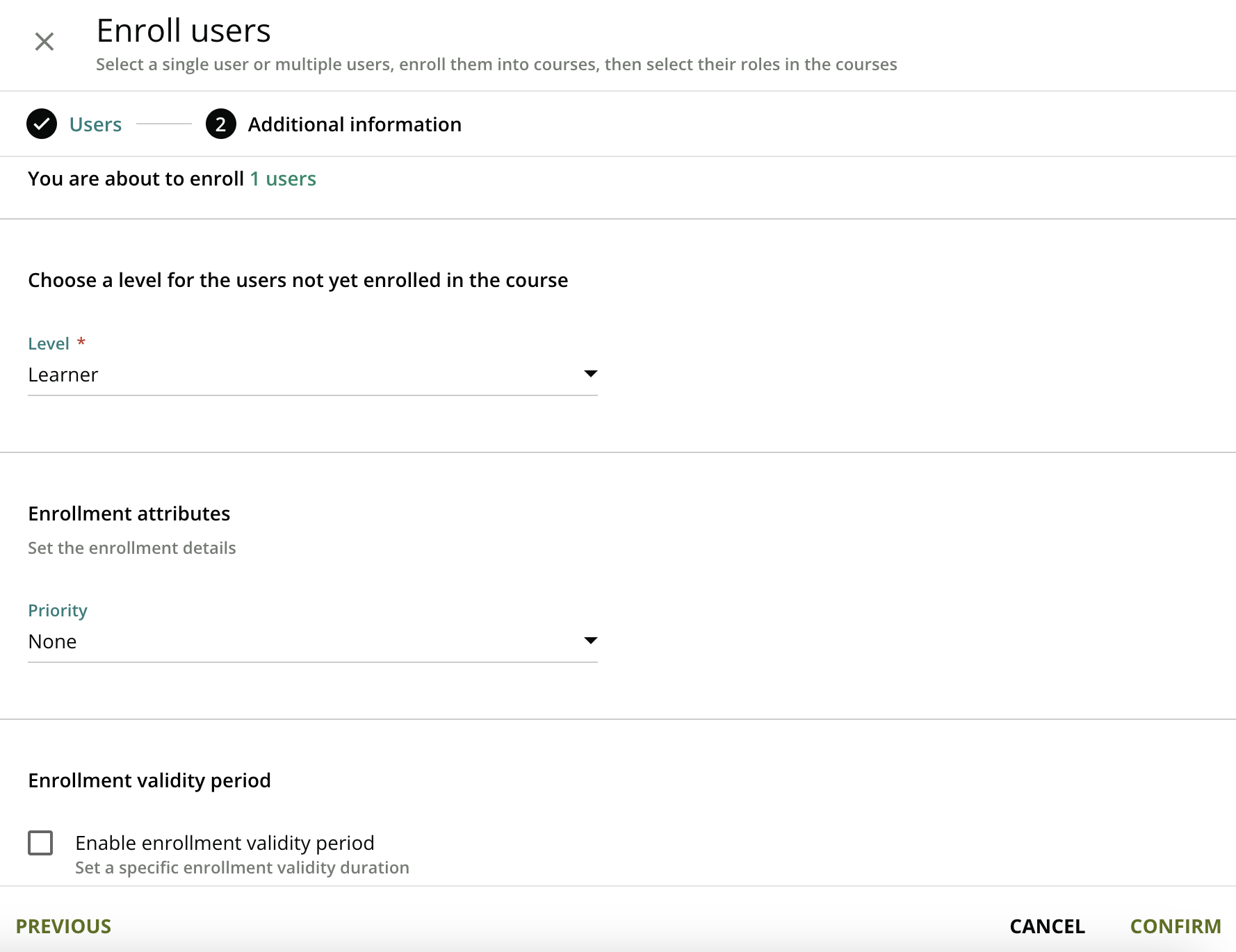
- Click “Confirm” and your Team Member will receive an email that they have been successfully enrolled in that course!
📌 Should you run into any issues, please reach out to hello@reforge.com for assistance!