
How do I reactivate my account?
Welcome back!
To reactivate your Reforge membership, follow these steps:
- Head to your Account page
-
Locate the red banner at the top of the screen with the following message:

- Click the Reactivate button on right hand side of your screen
-
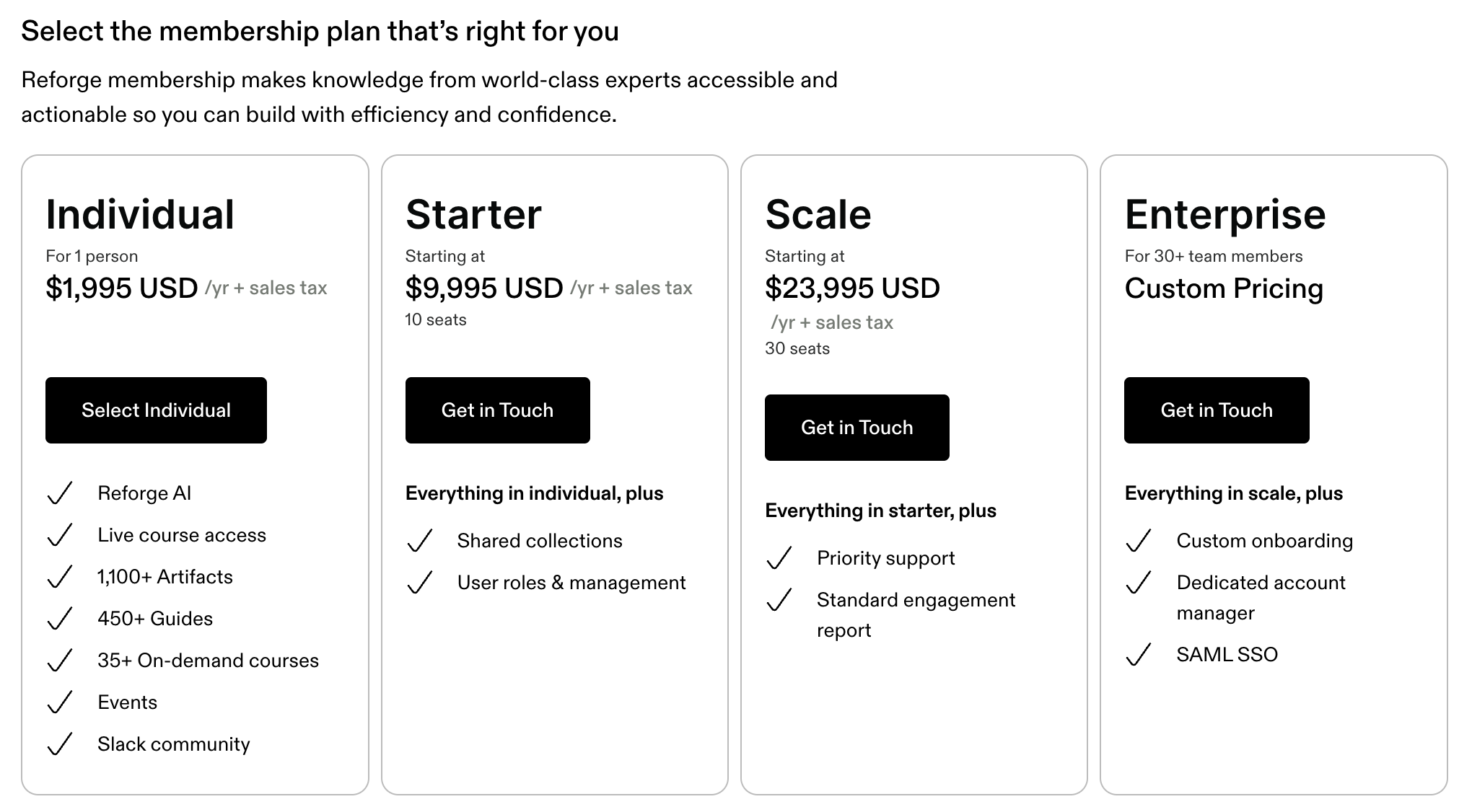
Select the Membership plan that is right for you
- Enter your billing details and select "Review Purchase"
Congrats! You are a Reforge Member once again. You will receive an emailed receipt after your purchase is made.