
The Reforge Learning Platform: Navigation
The Reforge Learning Home page is your main access point for the most up-to-date announcements, upcoming events, and access to the full breadth of Reforge courses, content, and resources. The left hand sidebar is how you will navigate through all pages to access any and all specific materials you wish to explore:
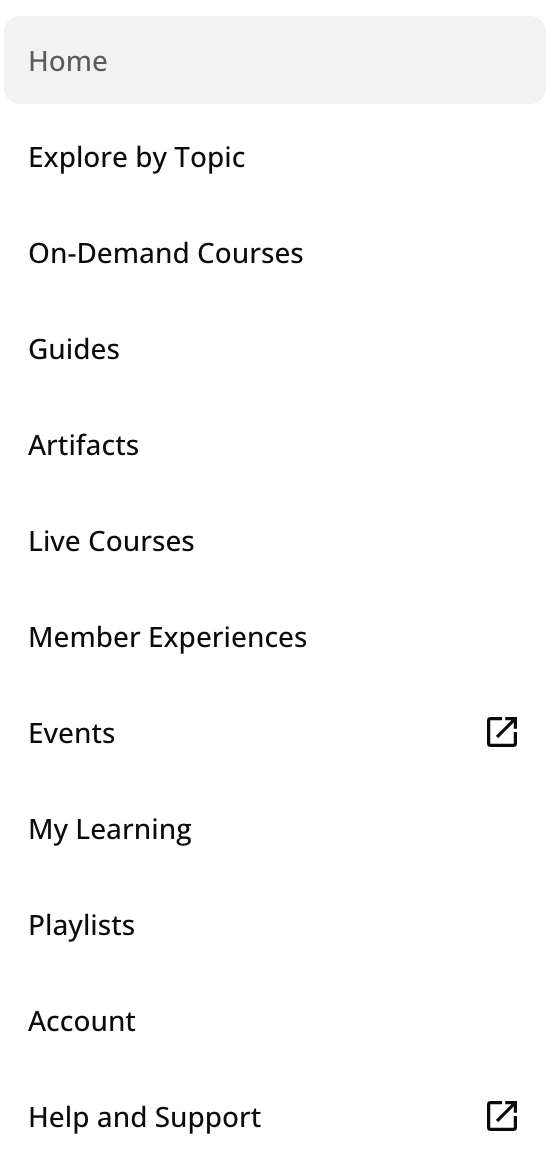
Explore by Topic: This page will allow you to access material based on course type, category, industry, and more.
On-Demand Courses: All Reforge on-demand courses are housed here. Search by keyword or category, enroll in the course of your choice, and get started!
Guides: Here you will find expert-created, step-by-step "how-to" resources. Built by Reforge and our practitioners to walk you through a specific problem or process, usually in 30 minutes or less.
Artifacts: This page provides real world examples you can reference — actual briefs, dashboards, strategies, diagrams, etc. authored by practitioners and members.
Live Courses: During one of our Cohorts, all available live courses will be here for you to enroll in during our enrollment period. This is also where you can access the course dashboard and navigage to live sessions/recordings.
Member Experiences: Browse exclusive member events, register for upcoming sessions, and revisit recordings—all in one place.
Events: In tandem with our Live Courses, we also offer live events throughout the year, administered by our experts and course creators, centered around the most pressing questions & hottest topics touching tech. This is where you will find the schedule and register for those events.
My Learning: Use this page to view your course history, browse artifacts & guides, and see your progress across all content, as well as download completion certificates.
Playlists: This page is where you can view courses, guides, artifacts etc. that you want to revisit later. Simply add to a playlist from within the piece of desired contents page and it will appear here.
Account: Here, you can access billing details, view your connected accounts, edit your personal info,
Help & Support: this will direct you to our Reforge Help Center.
💡 For Team Plan Managers
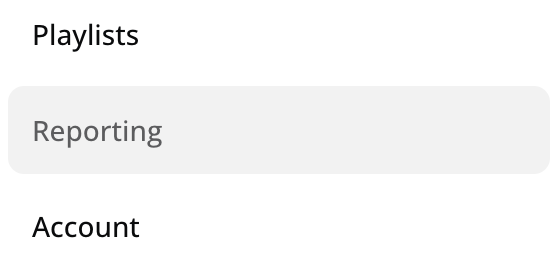
Reporting: Plan Managers and Assistant Admins have access to Reforge's in-product reporting tool. This feature will allow team plan admin's the ability to access valuable team metrics such as Course Enrollments & Completions, Time Spent on Learning, Content Engagement & more.
For any additional questions or support, please reach out to hello@reforge.com